Let’s Discuss Homescreens
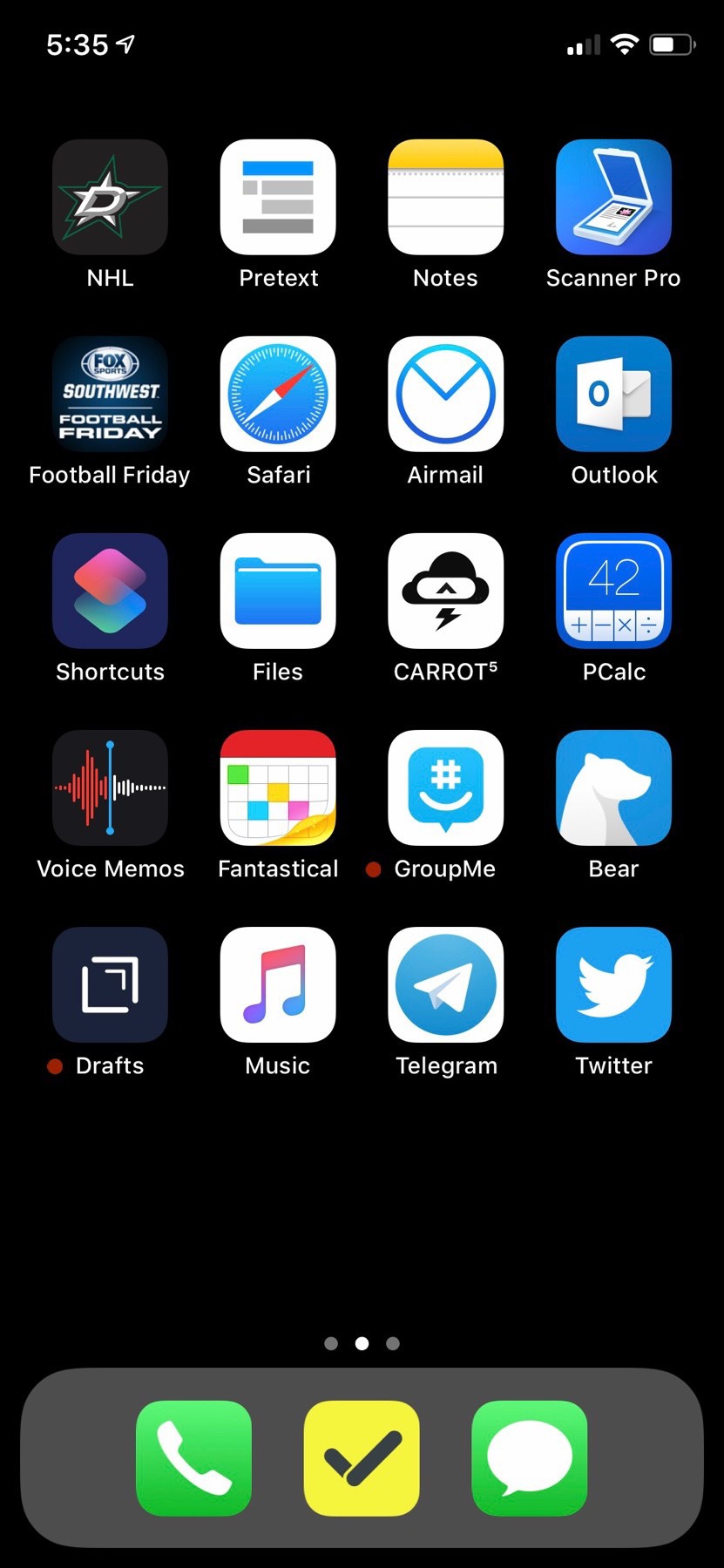
Let’s discuss homescreens. Actually, lets discuss my homescreen. I used to obsessively try and get the perfect homescreen. I wanted a combination of the right icons but they also had to look good together. I would organize them by color a lot of times. I also wanted a dark background so the app icons stood out (I have included an example picture below from October 2018).
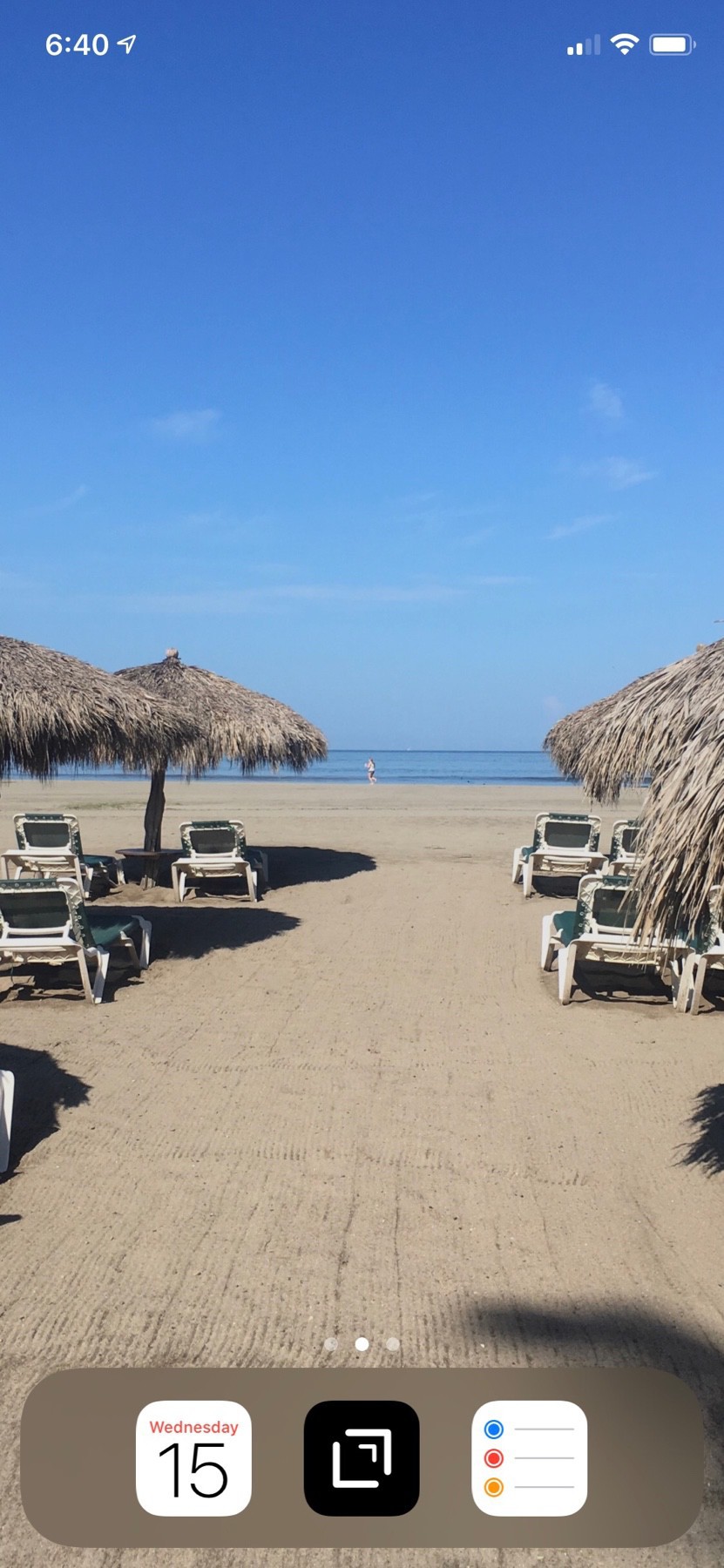
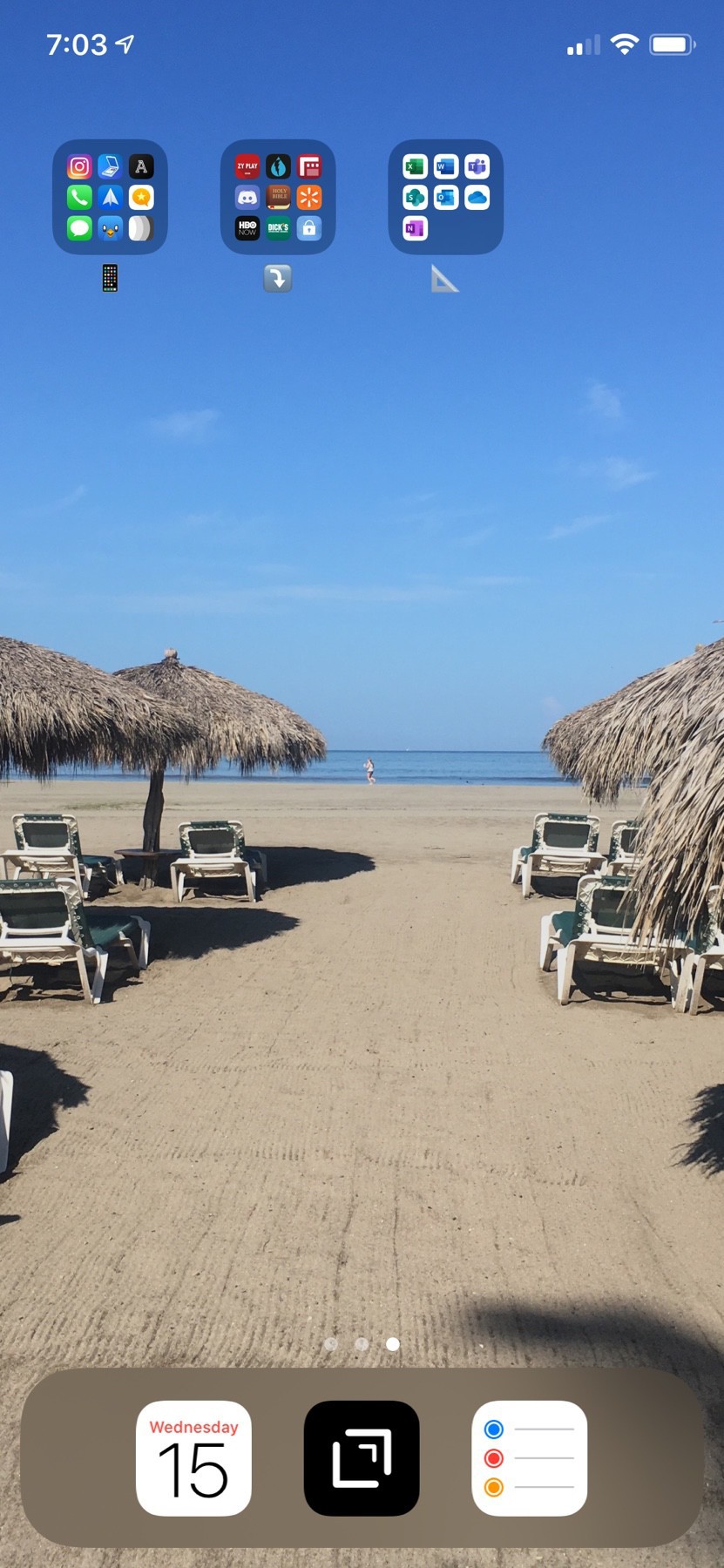
That’s around the time I started reimagining my homescreen. I read a few articles from some people and I decided to experiment. I decided to remove all the apps from my homescreen and put them in folders on a second screen. The only apps accessible are the ones in my dock. I have tried different combinations in the dock but the three-app dock is my preferred.
My dock has always consisted of two stable apps. My task manager of choice and Drafts. Drafts is the app I used most on my phone and/or iPad. It’s where text starts. A lot of time, it’s where text stays. If I compose a text message, a lot of time it starts in Drafts. An email is the same way. All my blog posts, sports articles, sports reports, etc are done in Drafts.
Currently, my tasks manager is Apple Reminders. It does a great job for what I need. I use it for everything from reminding me to take medicine to reminding me take out the trash. It works great with Drafts as well.
The third app is the one I’ve changed the most. I’ve had messages in there. I’ve had a camera app as well. Ultimately I decided on going with a calendar app. A lot of what I do (when we’re not on quarantine) is based off a calendar so it’s important to have that handy.
Why not the phone app or messages you ask. First, the phone app. A lot of times if I’m going to make a call, I use Siri. I also have the “Favorites” widget on my phone. So a quick swipe to the widget screen allows me to call the people I have deemed my favorite. Sometimes, I will also use spotlight search to pull up a contact and dial their number.
As for messages, I don’t use badges on my phone. I never have. I can’t stand them. They drive me crazy. So I don’t ever know if I have a message waiting for me by looking at my phone (also, I do not allow any apps to show up on my lock screen.) I do have messages show up in Notification Center. I can swipe down and see what’s in there if I so choose. Sometimes, though, I don’t want a distraction by messages I need to deal with. This is where Drafts comes in to the picture. I can open drafts, compose a message to my wife and fire it off without getting distracted from opening the messages app.
All the other apps on my phone are opened via spotlight. You can see what my homescreen and second page look like. If i want to open Tweetbot, I just pull down from the homescreen and type TW and it’s there. This allows me to not get distracted by an app that’s on my homescreen when I unlock my phone. We’ve all been there, right? I need to send a quick message to someone, so I unlock my phone. At that point, I see a red badge around my twitter app so I click on it to see what the badge is for. After taking care of that, I start scrolling through my timeline. Thirty minutes later, I’ve forgotten to send that message and I’m still retweeting, replying and reading Twitter.
This is a way for me to be a little less distracted. It’s not for everyone and I don’t try to push this on anyone. It has worked for me for the past 18 months and, to me, that’s all that matters.