
Let’s Talk about Journaling (Specifically my workflow)
Seems like I have spent quite a bit of time and posts where I mention journaling. From bullet journaling to keeping a gratitude journal I seem to keep bringing up the idea of journaling.
Obviously journaling is not a new concept and has been around for thousands and thousands of years. As a matter of fact if you do a quick Google search on the word journal you will see almost ten billion results. That’s a lot of posts about journaling.
Although an old concept, this is something relatively new to me. I have only recently started journaling on a regular basis. So today I thought I’d write a little bit about my journaling workflow. And as skoo.bz points out here I am writing this for me and for my future self (more on that later).
I have four different journals I use. Why so many? Glad you asked. The four I use are as follows:
1. Day One
2. Field Notes Bullet Journal
3. Notebook for Morning Pages
4. Notebook for evening journaling
I read a post by Tim Nahumck (the Drafts guy) on his journaling workflow. I really liked this setup. So I reached out to him and asked if I could borrow this. He sent me the shortcut and I installed it. I made some modifications to it and personalized it for my needs/wants. I had shortcuts run the action to start the journal at 3 every morning. Then at 11:50 at night it would automatically file it away to iCloud in a .pdf file.
It wasn’t until a month or so back that I started really playing around with Day One. I’ve had it installed for a long time. I don’t pay for the premium features. Because I originally paid for the app I get a few extra features that seem to suit me just fine. I could pay for it and I may in the future (waiting to see what the Apple Journaling app is going to be like first). One of the things I love about Day One is the “On this Day Feature”. You click this little button and it shows you all the posts you created on this day in the past. So before bed every night I would send my journal (from Drafts) into Day One before it created the .pdf.
Yesterday I was talking to ChrisJWilson on here and he mentioned why not put this in directly into Day One and not go through Drafts. I got to thinking about this. I have never gone through those .pdf files to read them. So why not have it go into Day One and bypass the drafts action all together. So I set that up and this morning it worked perfectly. Below is my template that I import:
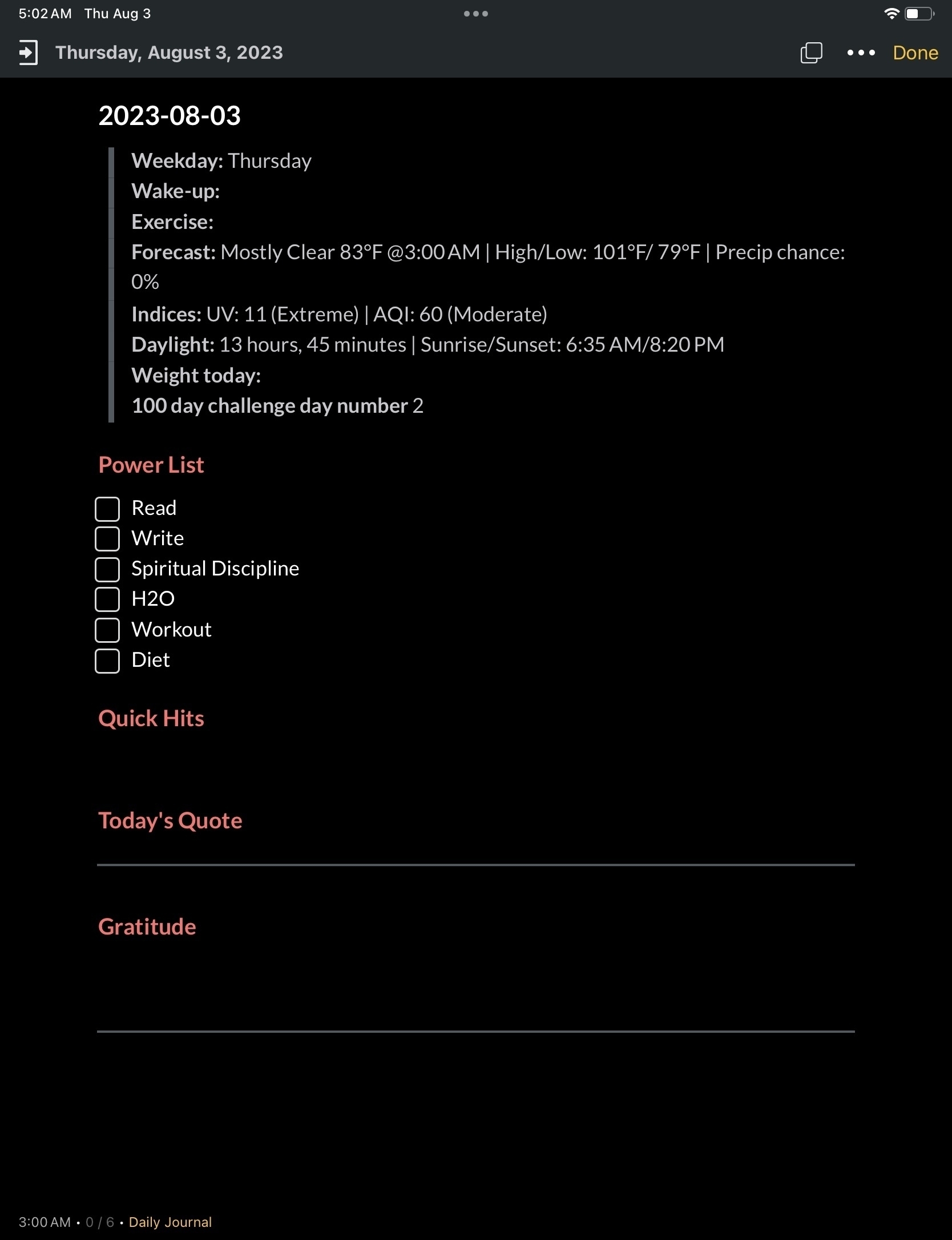
As you can see there are some presets that automatically come in with the shortcut action. Things like the forecast, daylight, etc. Then there are some things I can go in and fill out like wake-up, exercise, and weight. Wake-up is mainly how I felt when I woke up. Did I sleep good, etc.
The power list is a list of things that I want to get done every day. I want to read at least 10 pages every day. Write something everyday (journaling doesn’t count). Spiritual Discipline involves a meditating, scripture reading or something similar. I try to drink a gallon of water every day, workout for 45 minutes and stick to a particular diet. If I get those tasks done I put a check mark next to each one. Goal is to tick them all off everyday.
Quick hits is just that. Perhaps a quick line to say that I ran into so and so at the grocery store and we talked about his new job, etc. Today’s quote is whatever I put on micro.blog for that day. Before posting it, I copy it and paste it here. Gratitude is just that. Three things everyday. A couple weeks ago, Aaron Aiken told me on here that gratitude “is a requirement for each day, at the start of each day, otherwise I just feel off.” I haven’t forgotten that so I’ve made it a conscious effort do this everyday.
Below that is a line I can write whatever. Sometimes I journal here at the end of the day. Sometimes I don’t. Sometimes I prefer to use a notebook (more on that in just a minute).
The thing I like about doing this in Day One is because I like the ability to look back on past day for sure. But I also like the ability to add pictures to my journals. Sometimes I just want to add a picture to remind me of something that happened on that day.
I have two other journals in Day One. I have one for Bible Study where I use a template to recap what I read about during that day’s study.
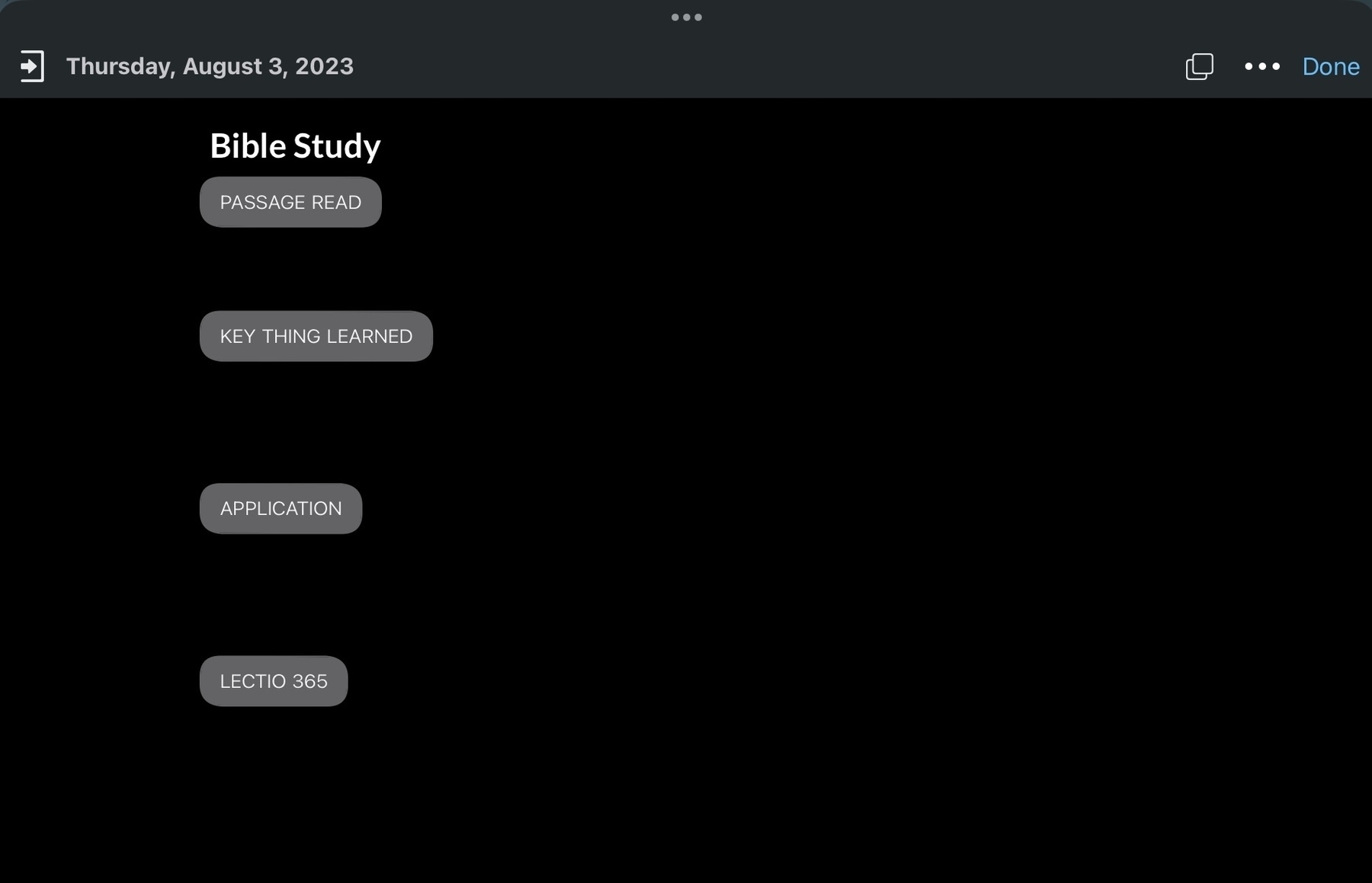
This gives me another way of looking back at what I read/studied for that day. I’ve thought about starting a journal for books I’m reading and doing something similar with that for notes.
The third journal is called micro.blog. Here I have an IFTTT rule set up that will take any post I make to my blog and put import it to this journal. I use this often. Everyday I check there to make sure the quote is am using isn’t one I’ve already used on that day in the past.
The other way I journal is in notebooks. I have a couple different notebooks I use and they all have their own purpose.
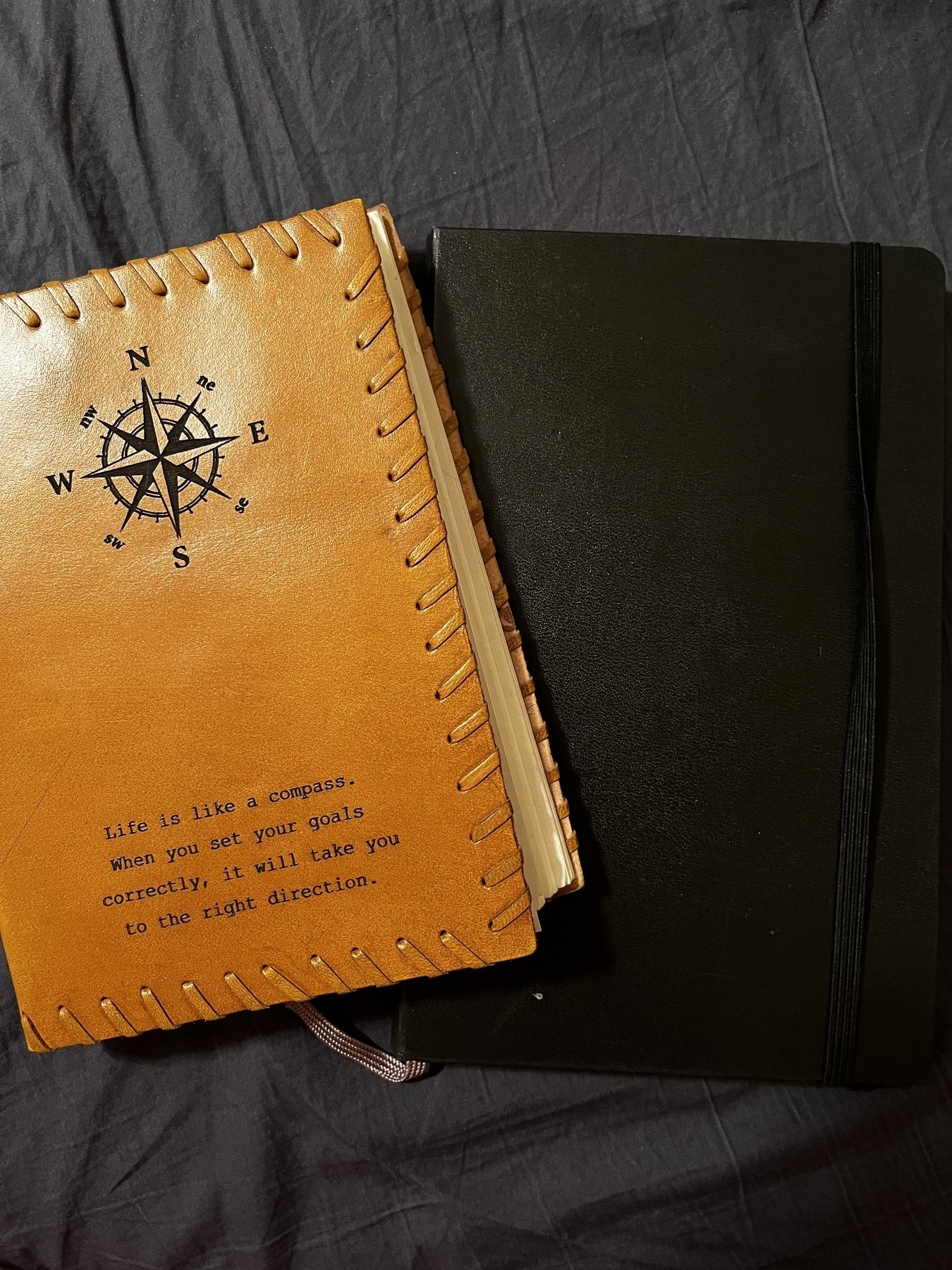
The notebook on the right is a moleskine. This is the notebook I am using for Morning Pages. Every morning when I wake up I grab this notebook and a pen and write three pages. I’ve been doing this for 42 straight days and love it. Easily one of my favorite things I do every morning.
The other notebook is a book I picked up at The Earthbound Trading Co. in Hot Springs similar to this. It looks like a journal and I love writing it in it. This is the notebook I will use at nights when I want to hand write about my day instead of using Day One.
As I said, I’m kind of new to journaling but this has become a big part of my day already. I’m sure I’ll learn more techniques and I’ll tweak this some here and there. I’d love to find out what you’re using for your journal. Do you have multiple journals like I do or do you keep it all in one place? Hit me up and let’s discuss it.